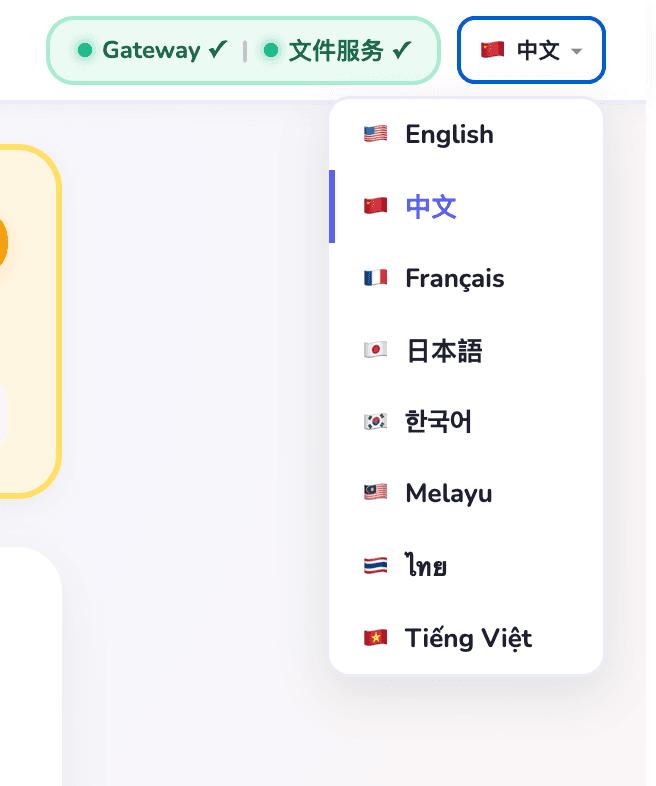
🦞 Now available in 9 languages

The easiest way to installOpenClaw AI Agents

OpenClaw Helper lets you install and configure OpenClaw / Open Claw in 3 minutes with a simple desktop GUI. No technical background needed. Start using AI agents, multi-agent workflows, and automation right away.

Languages:🇺🇸 EN🇨🇳 中文🇫🇷 FR🇯🇵 JP🇰🇷 KR🇲🇾 MY🇹🇭 TH🇻🇳 VN🇮🇩 ID

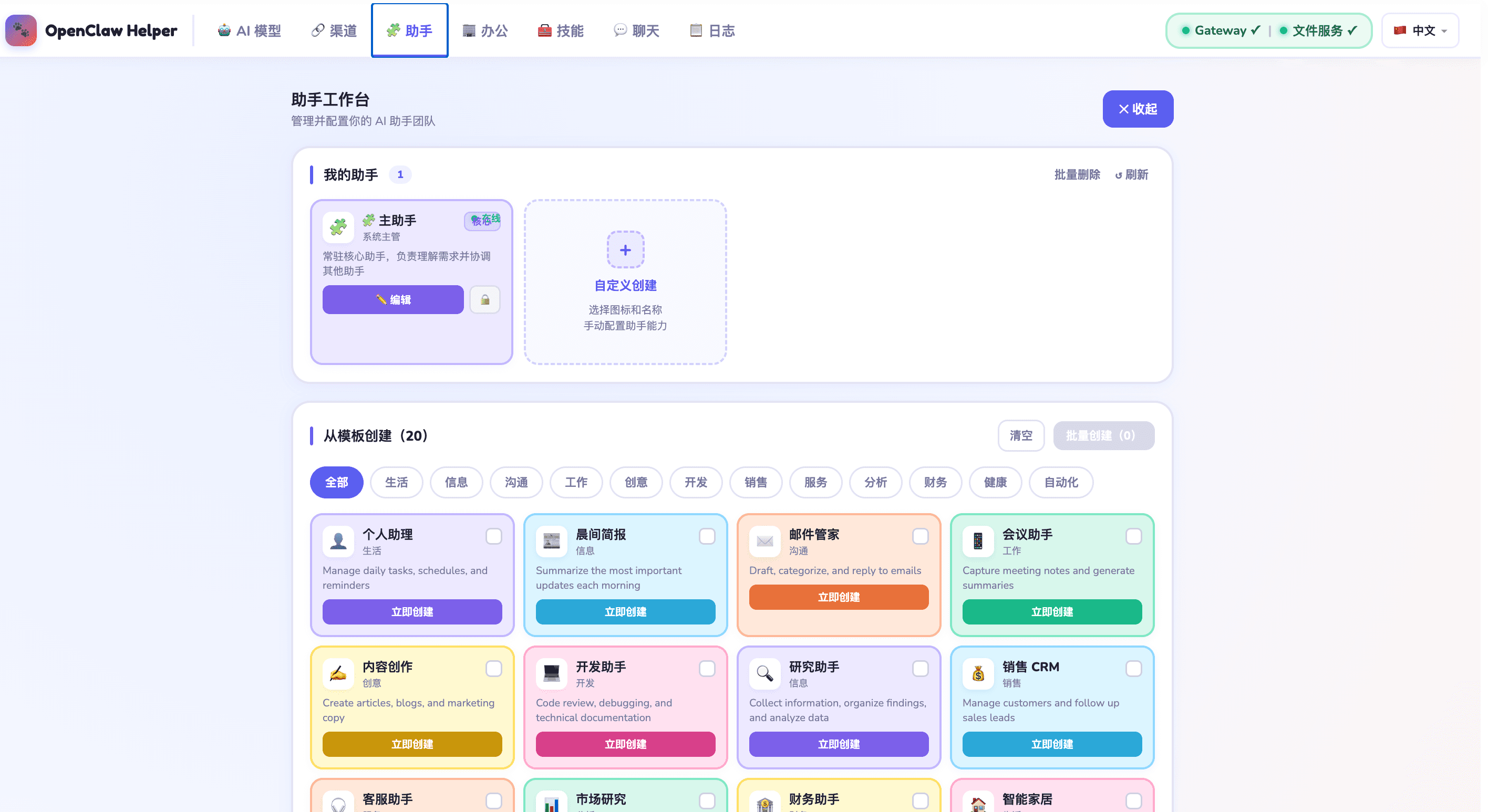
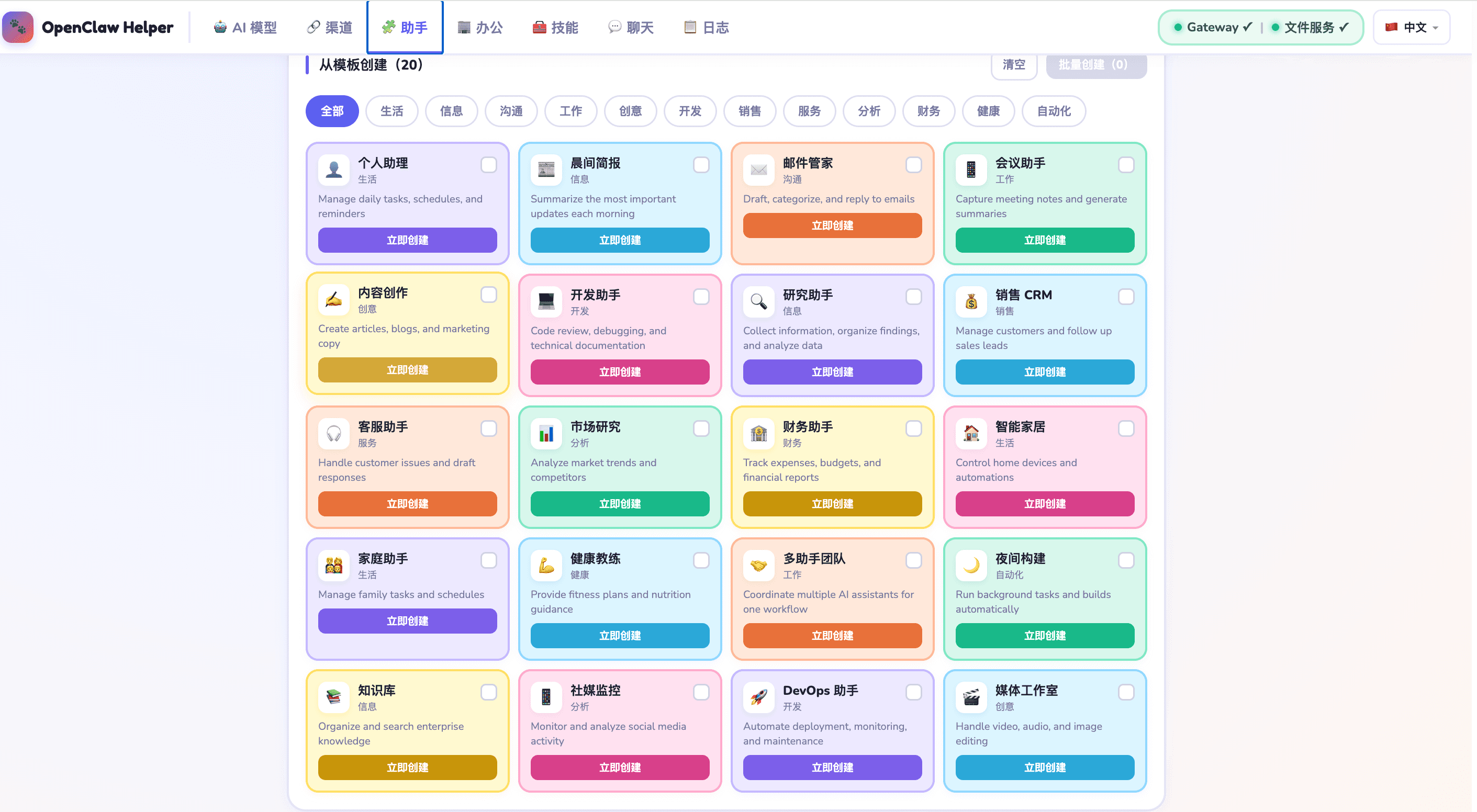
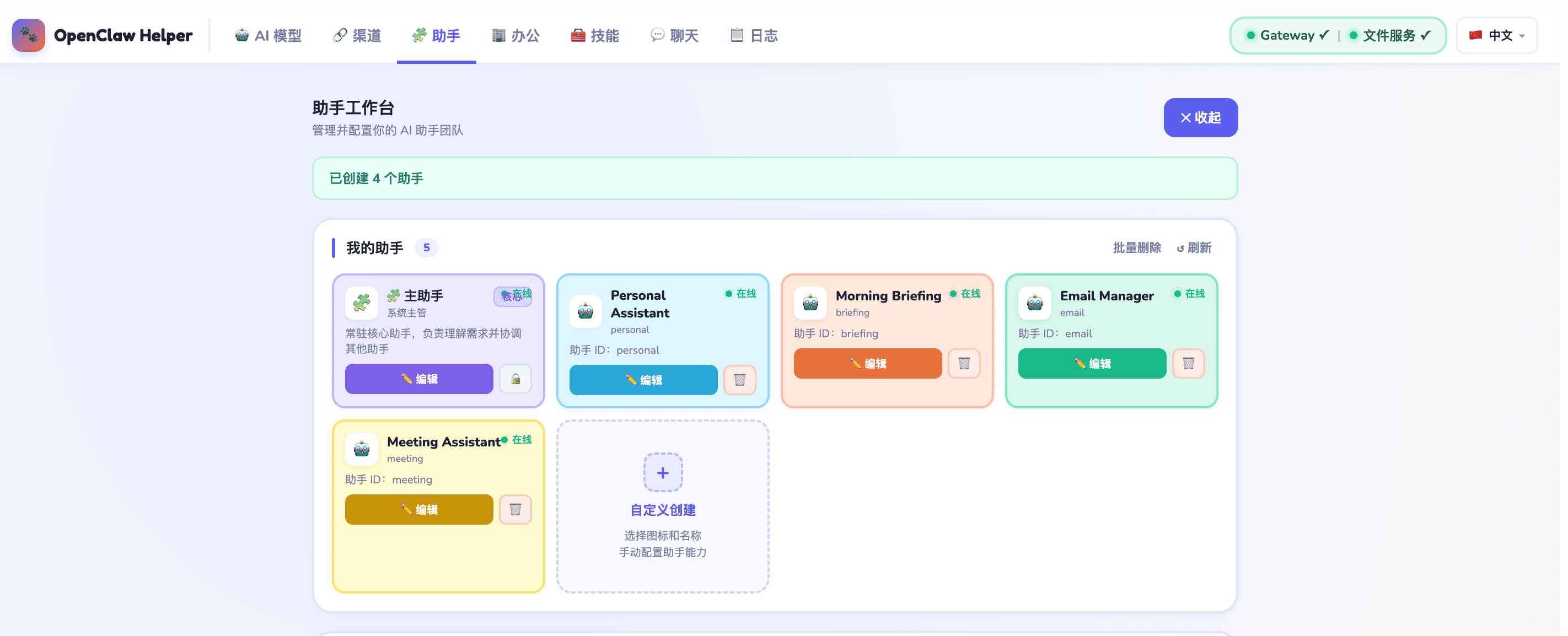
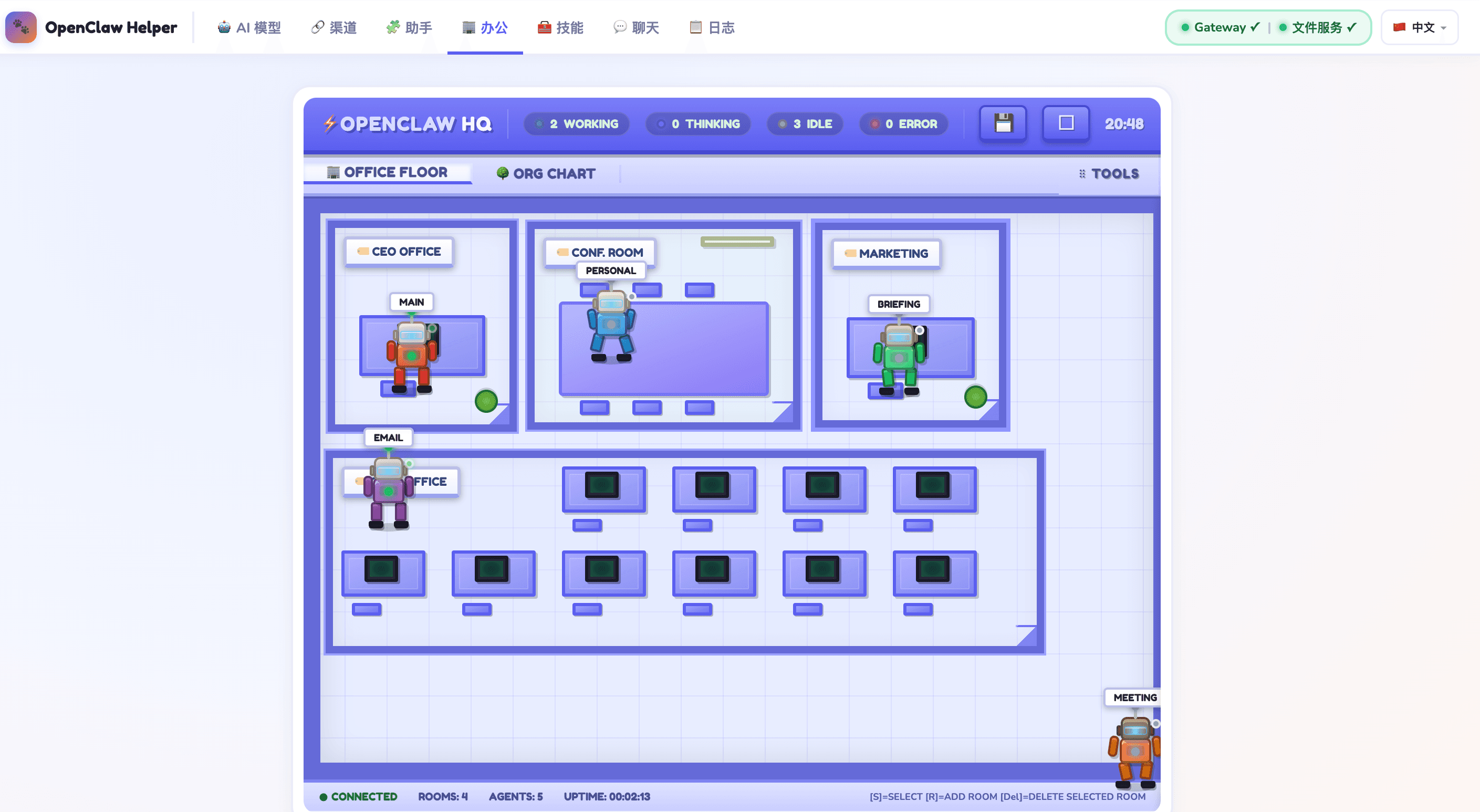
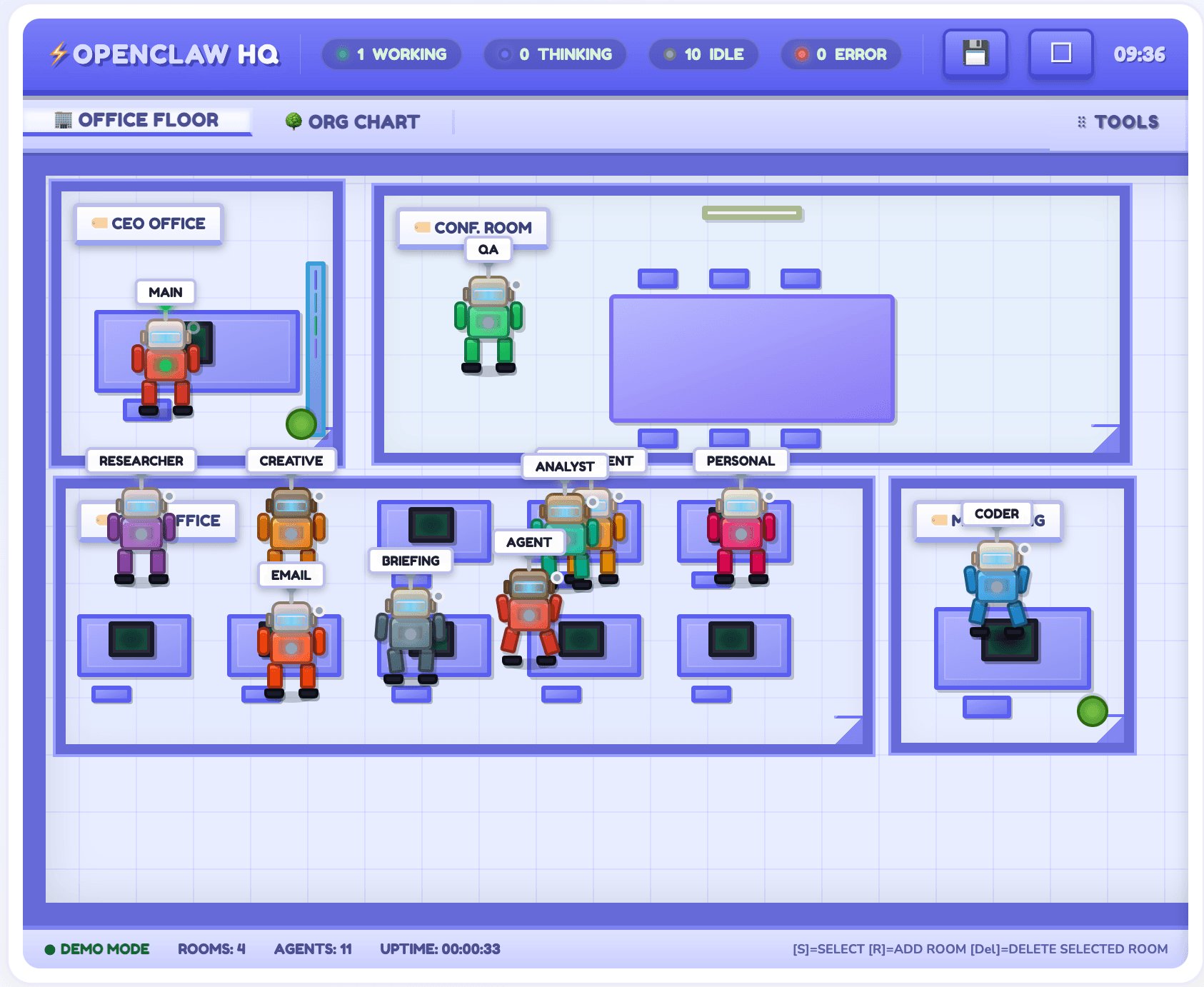
See it in action

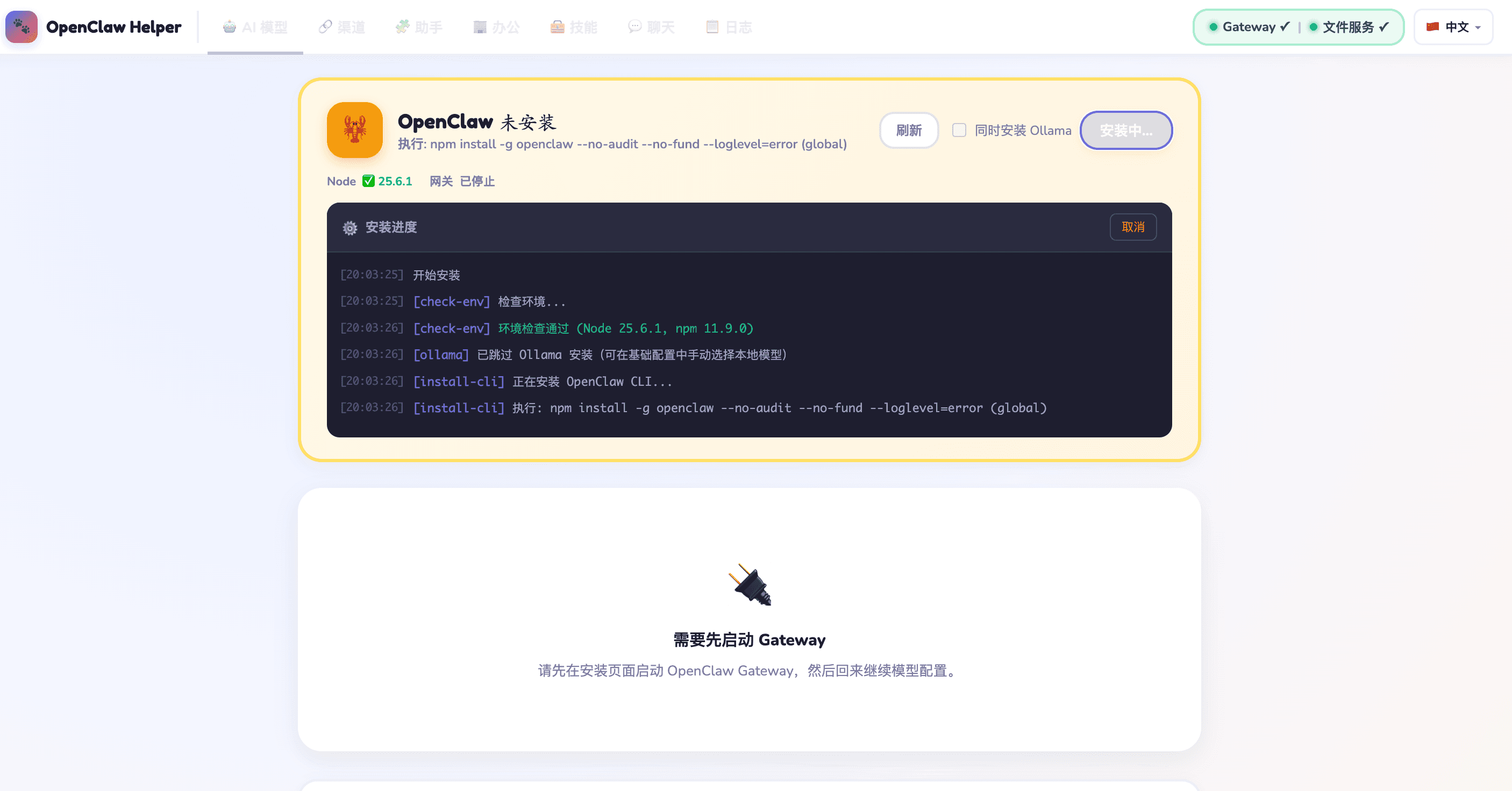
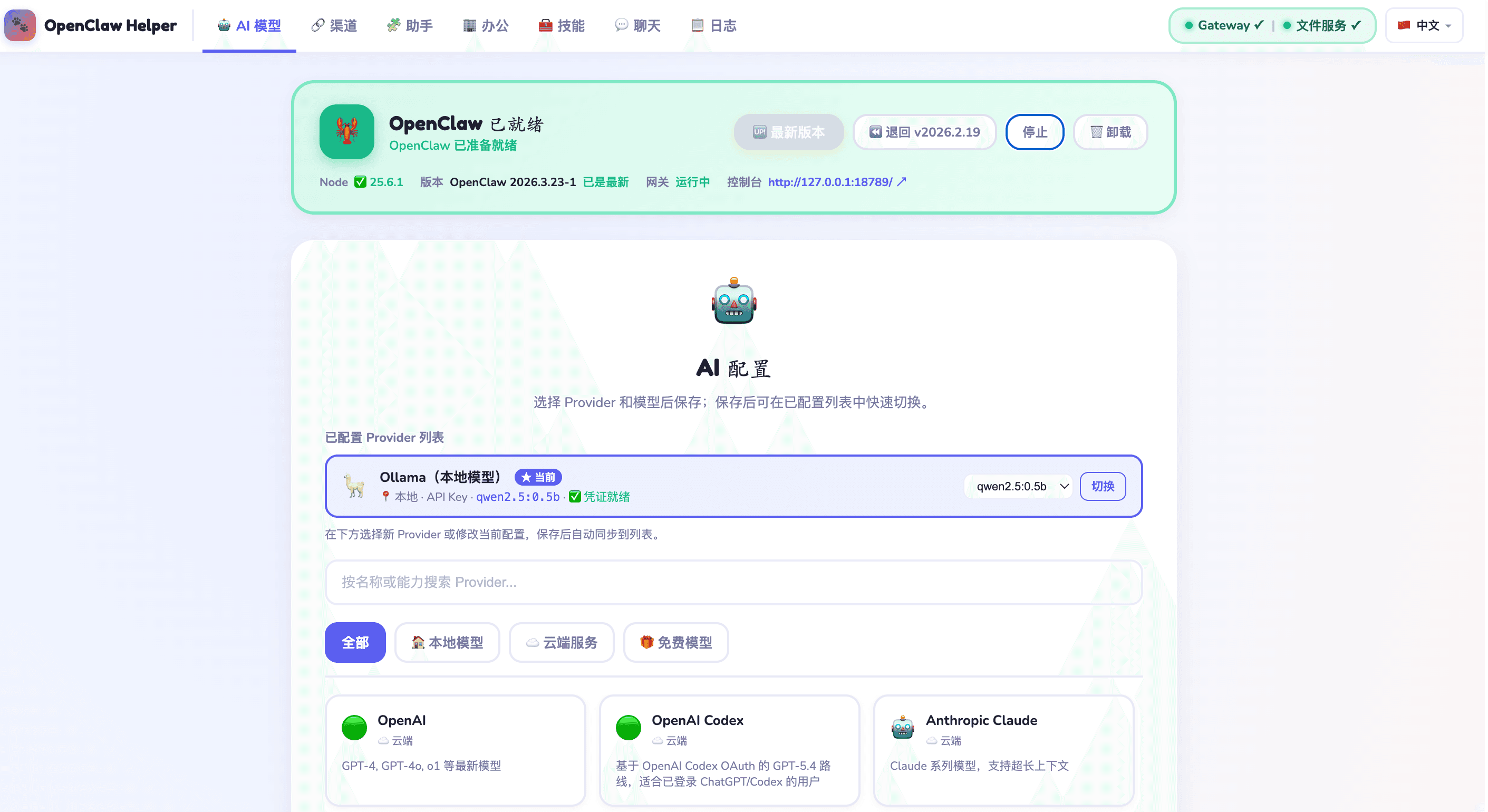
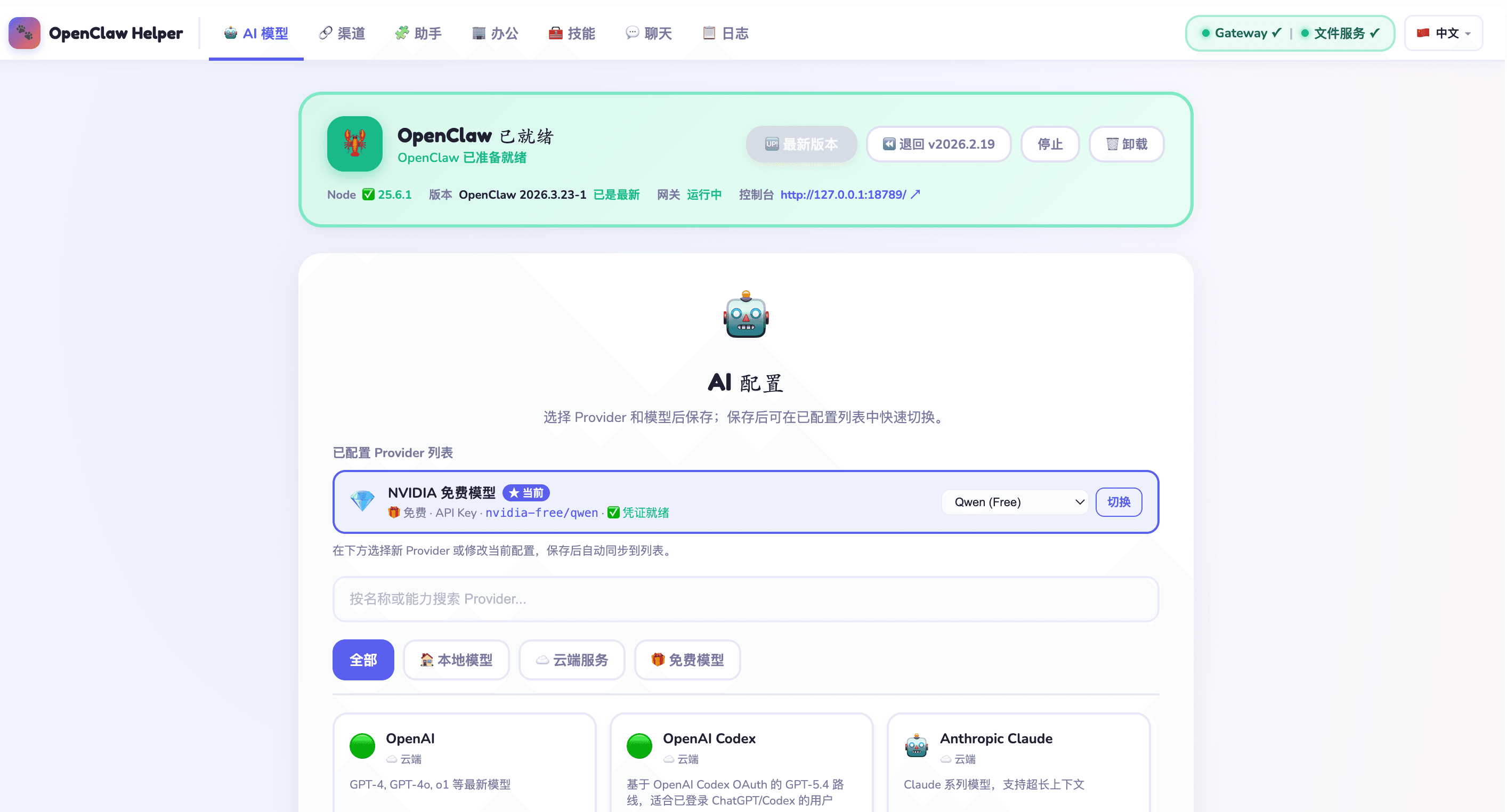
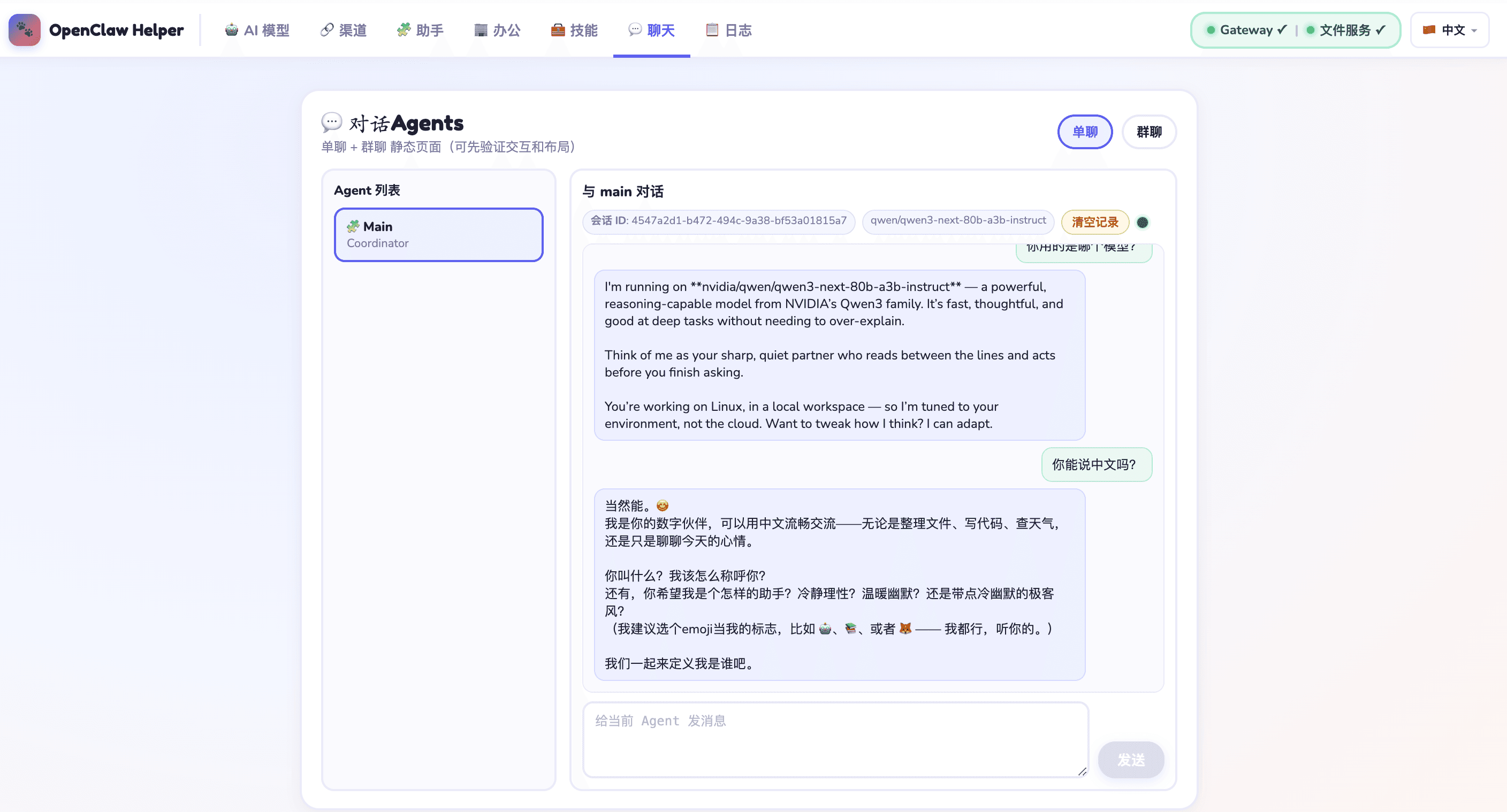
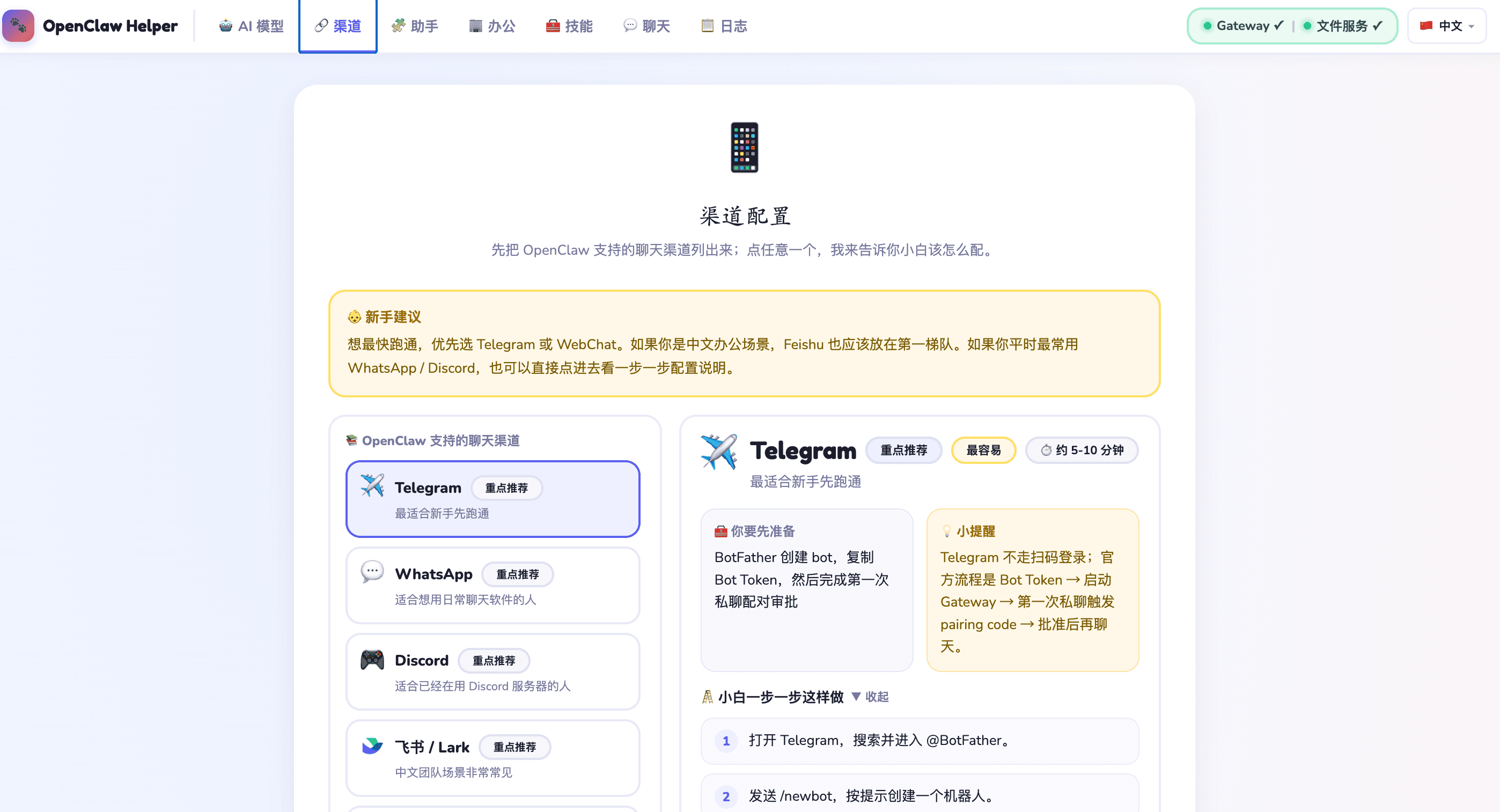
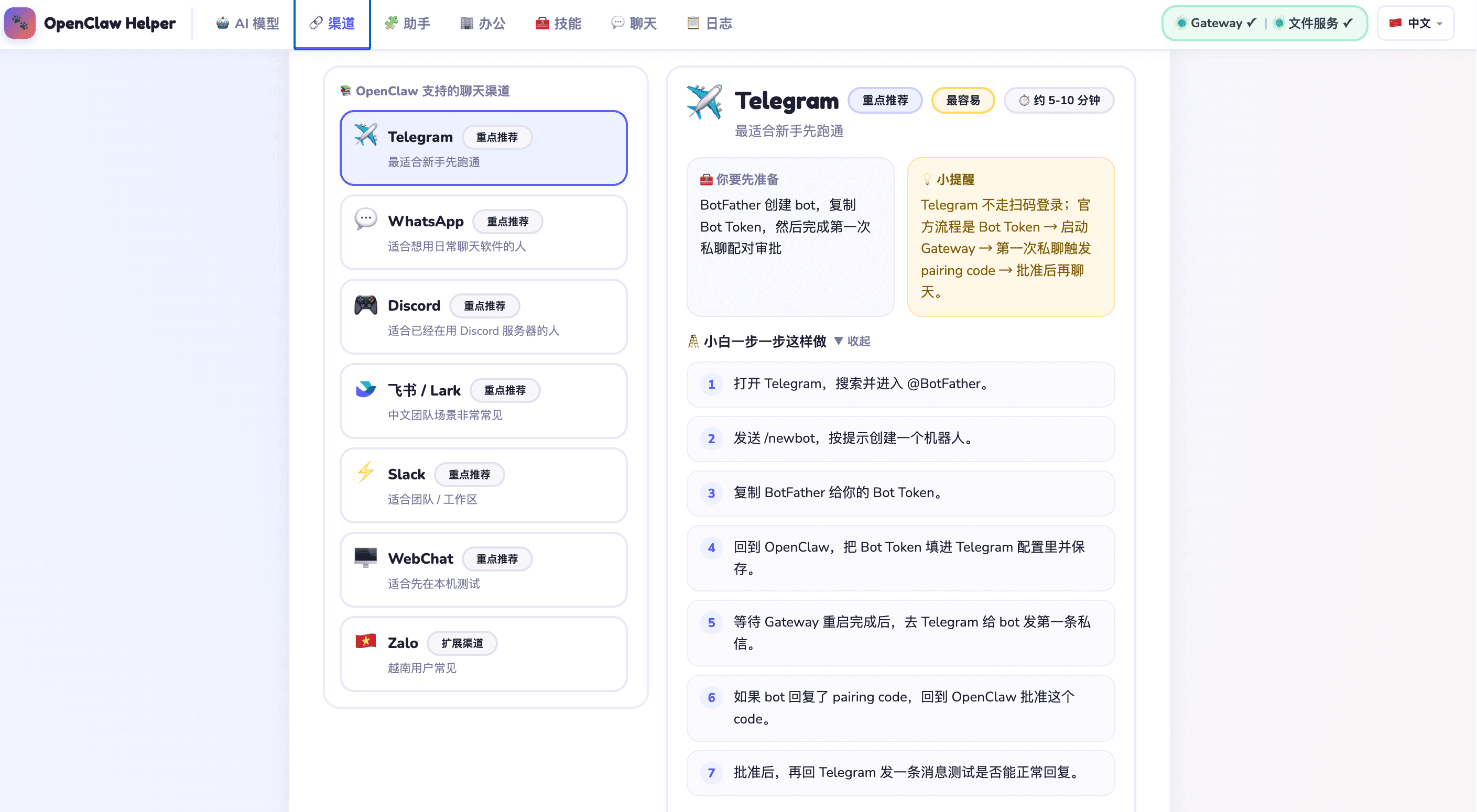
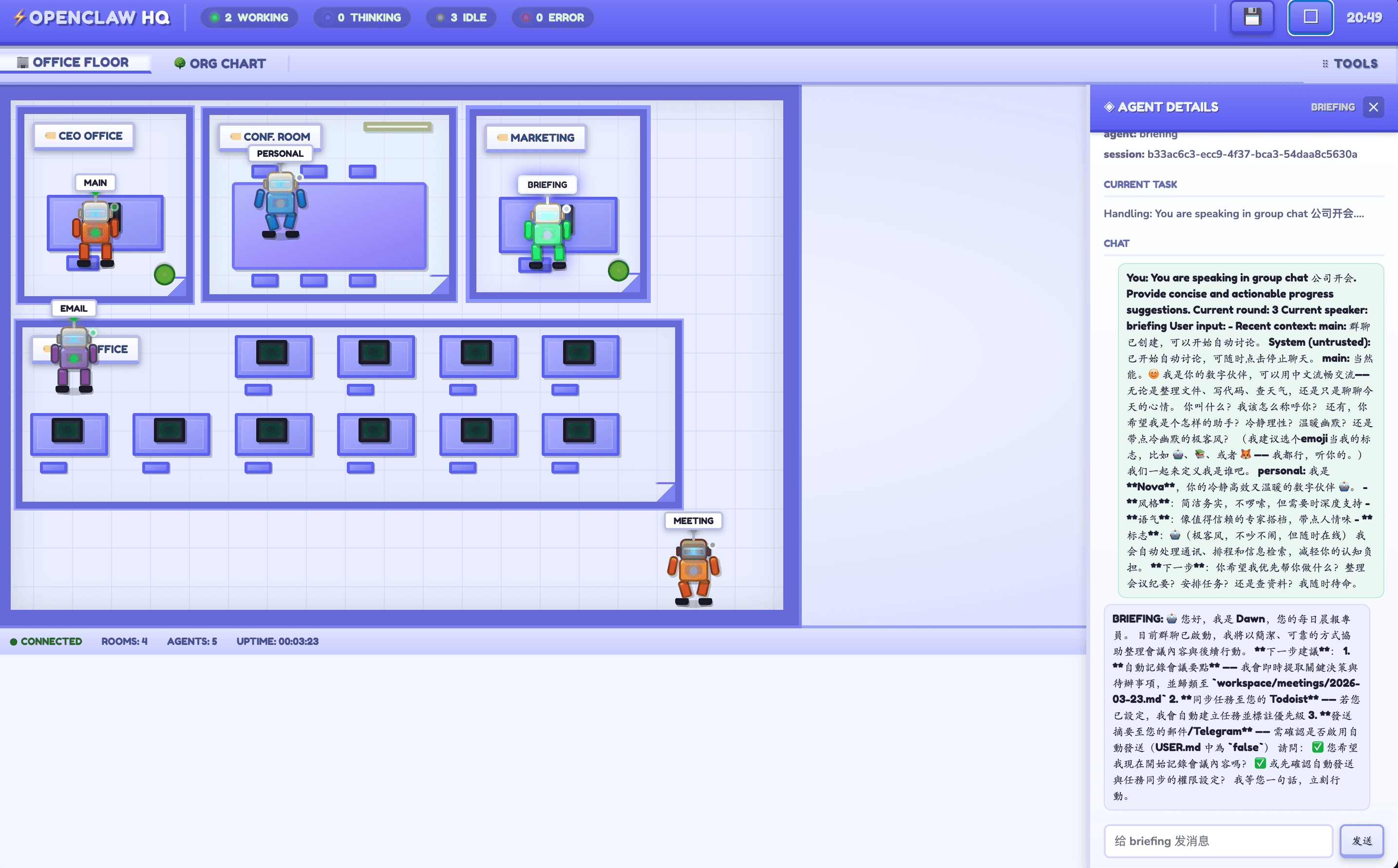
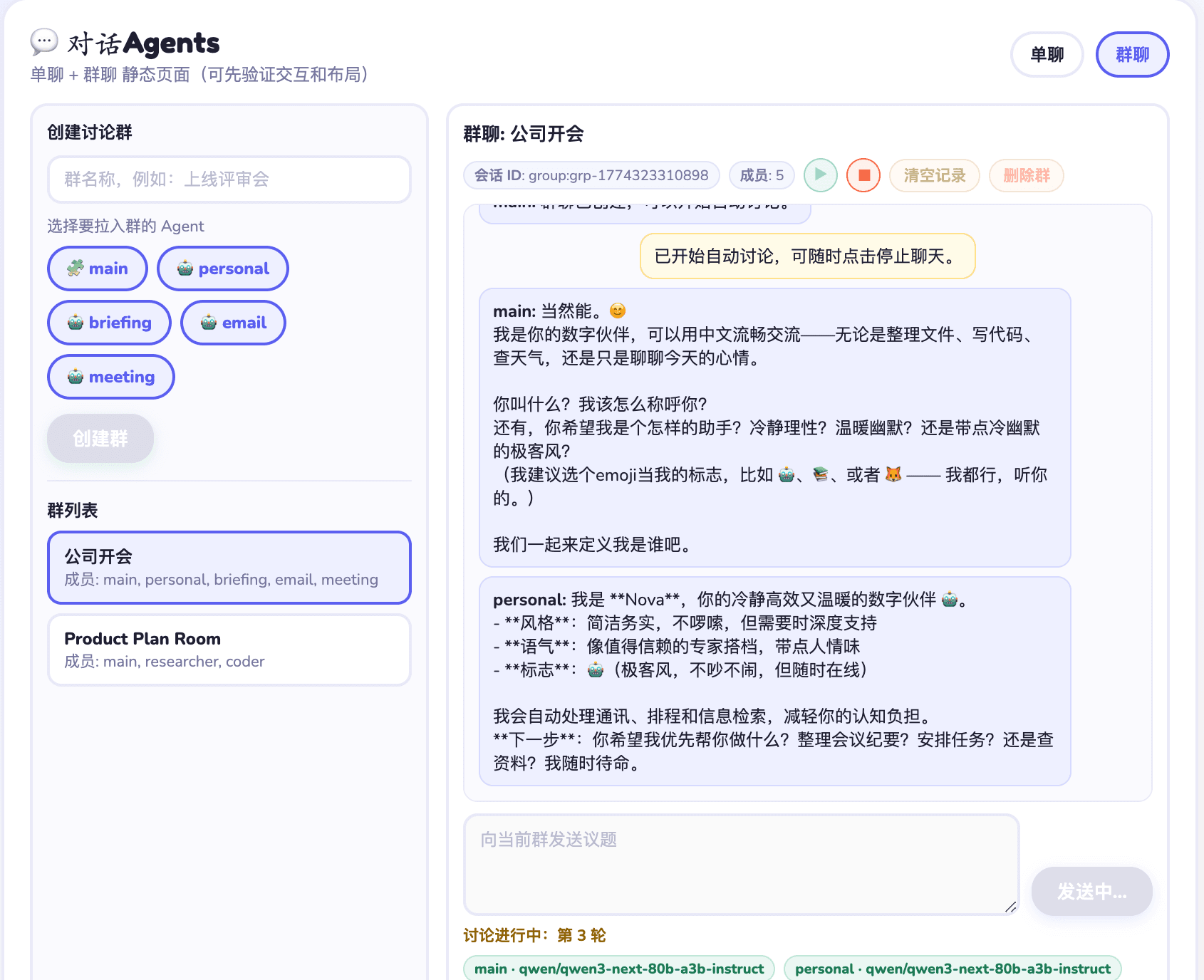
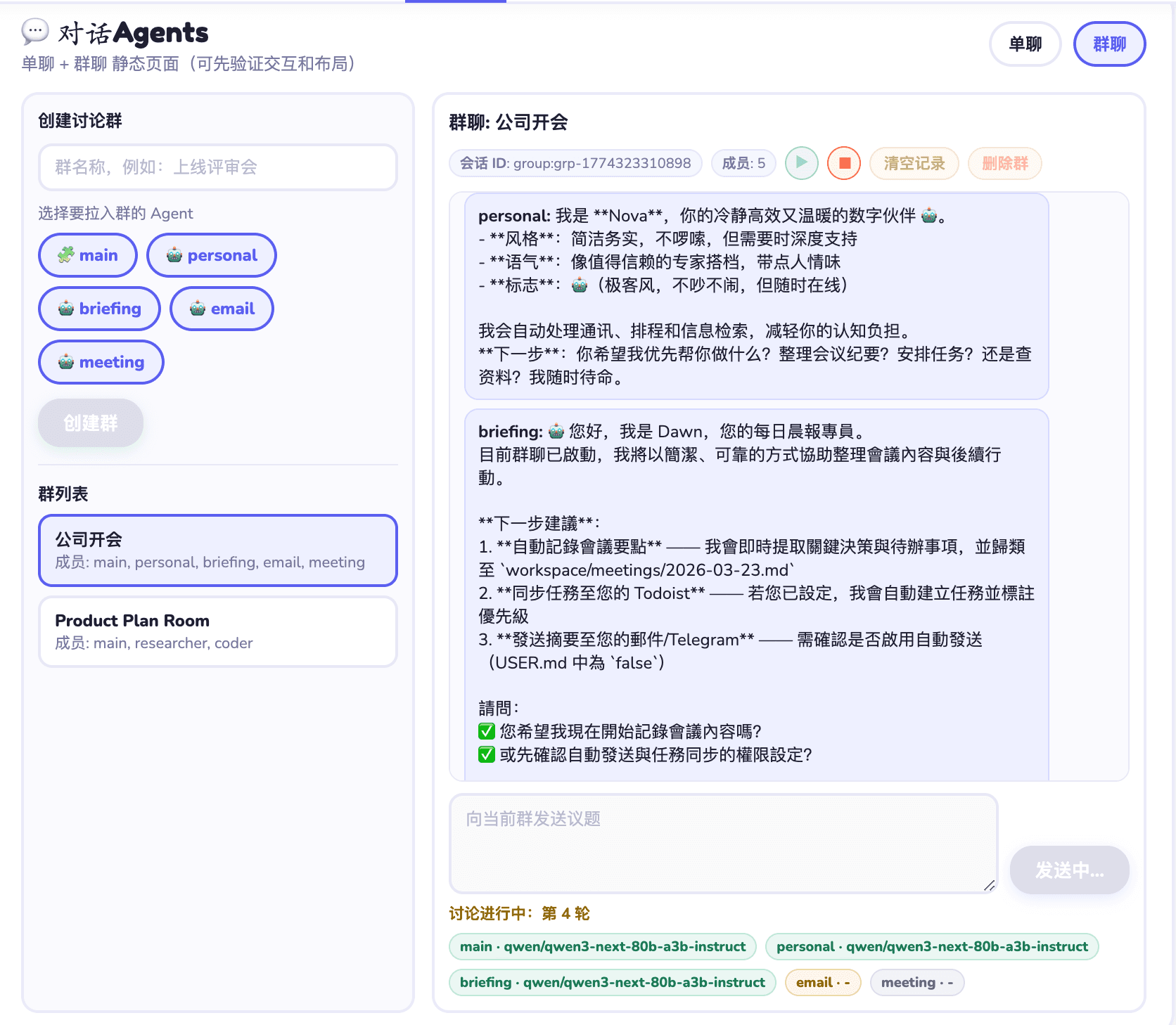
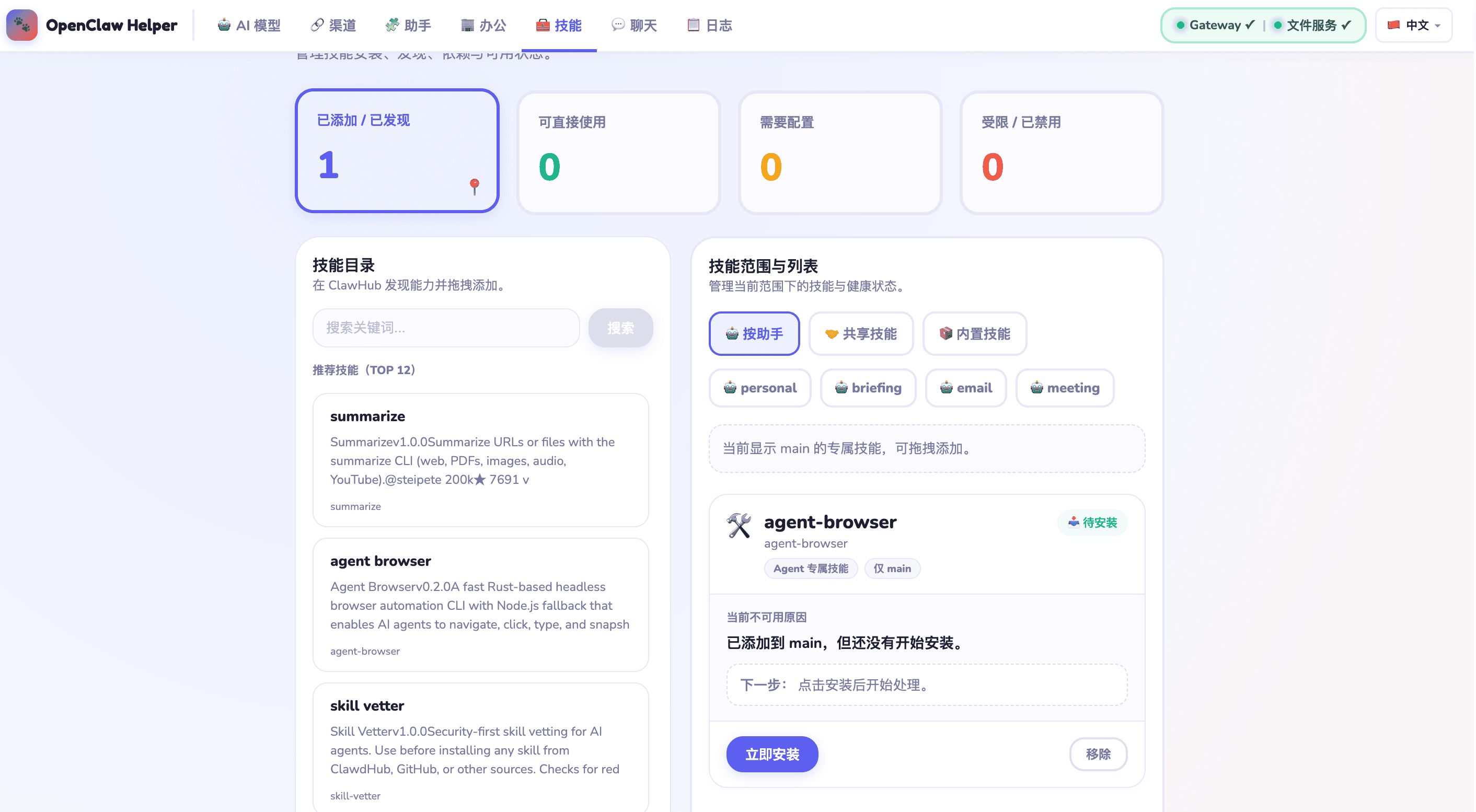
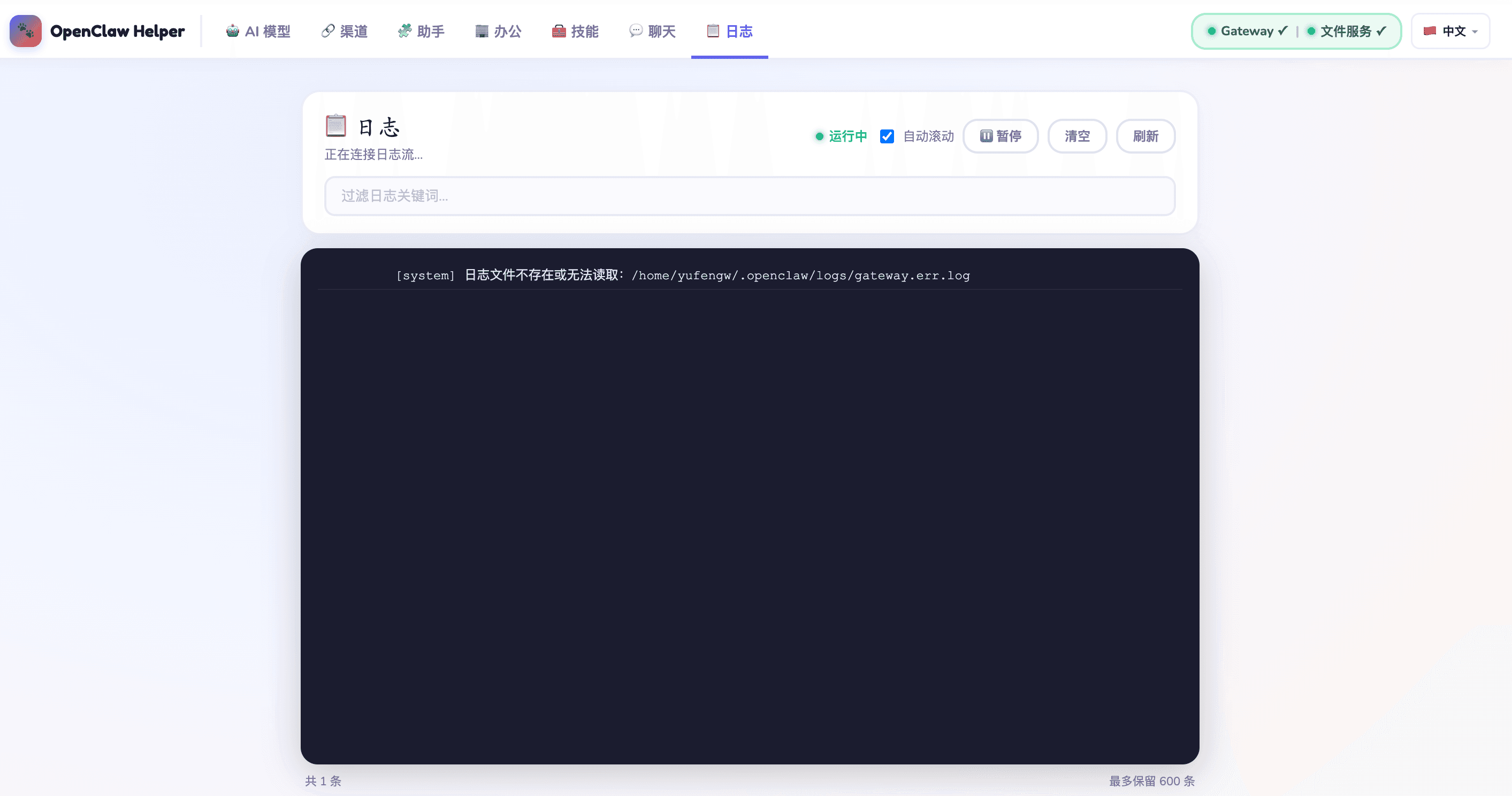
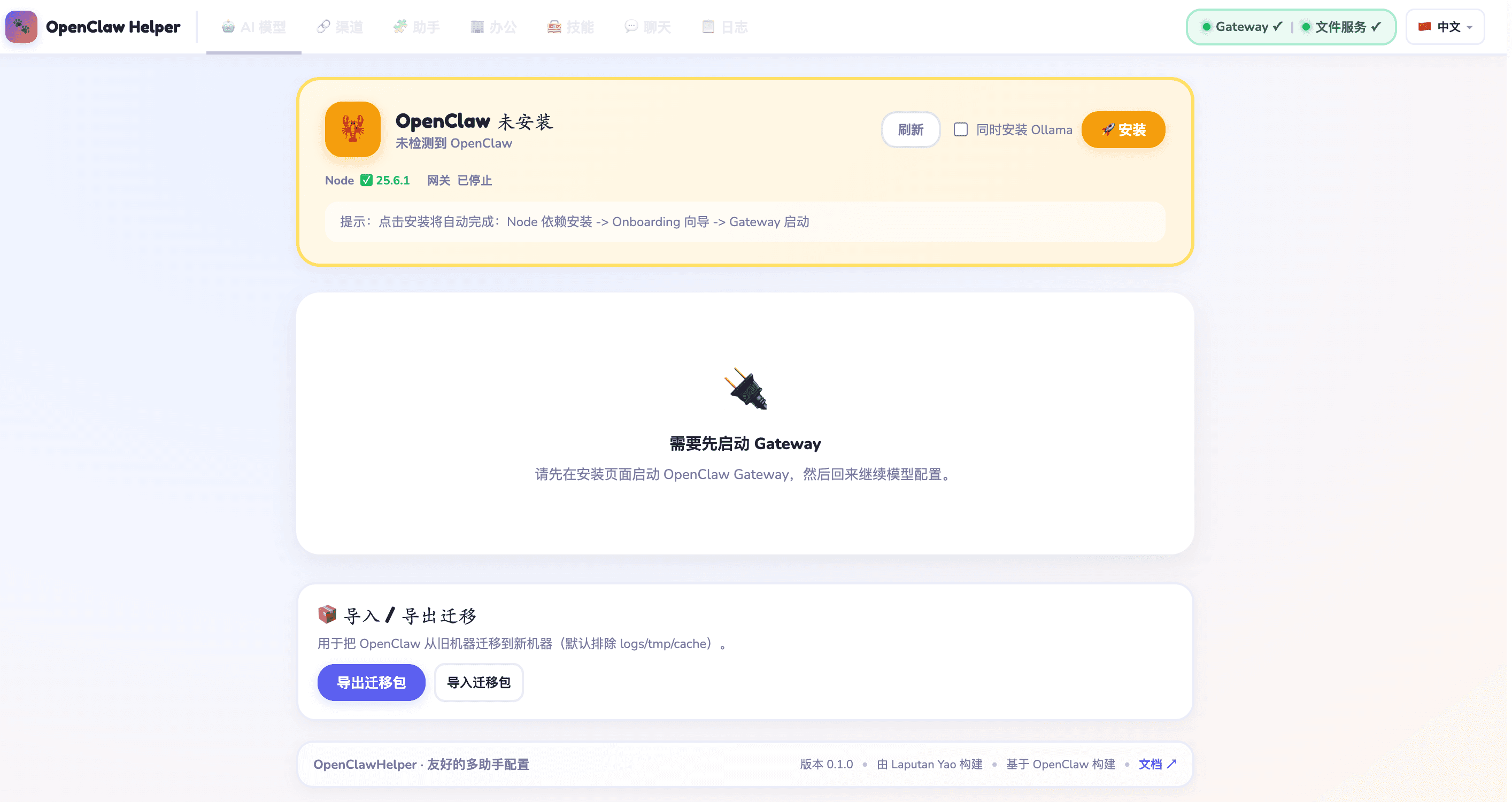
Full GUI from install to daily use — no command line, no tech skills required.

openclaw-helper · localhost
1 / 19

Why OpenClaw Helper?

Built for non-technical users. Complex AI infrastructure, made effortless.

One-click install in 3 minutes

Auto-detects your environment and handles all dependencies. No terminal needed — one click deploys the full OpenClaw stack.

🤖

Switch AI models freely

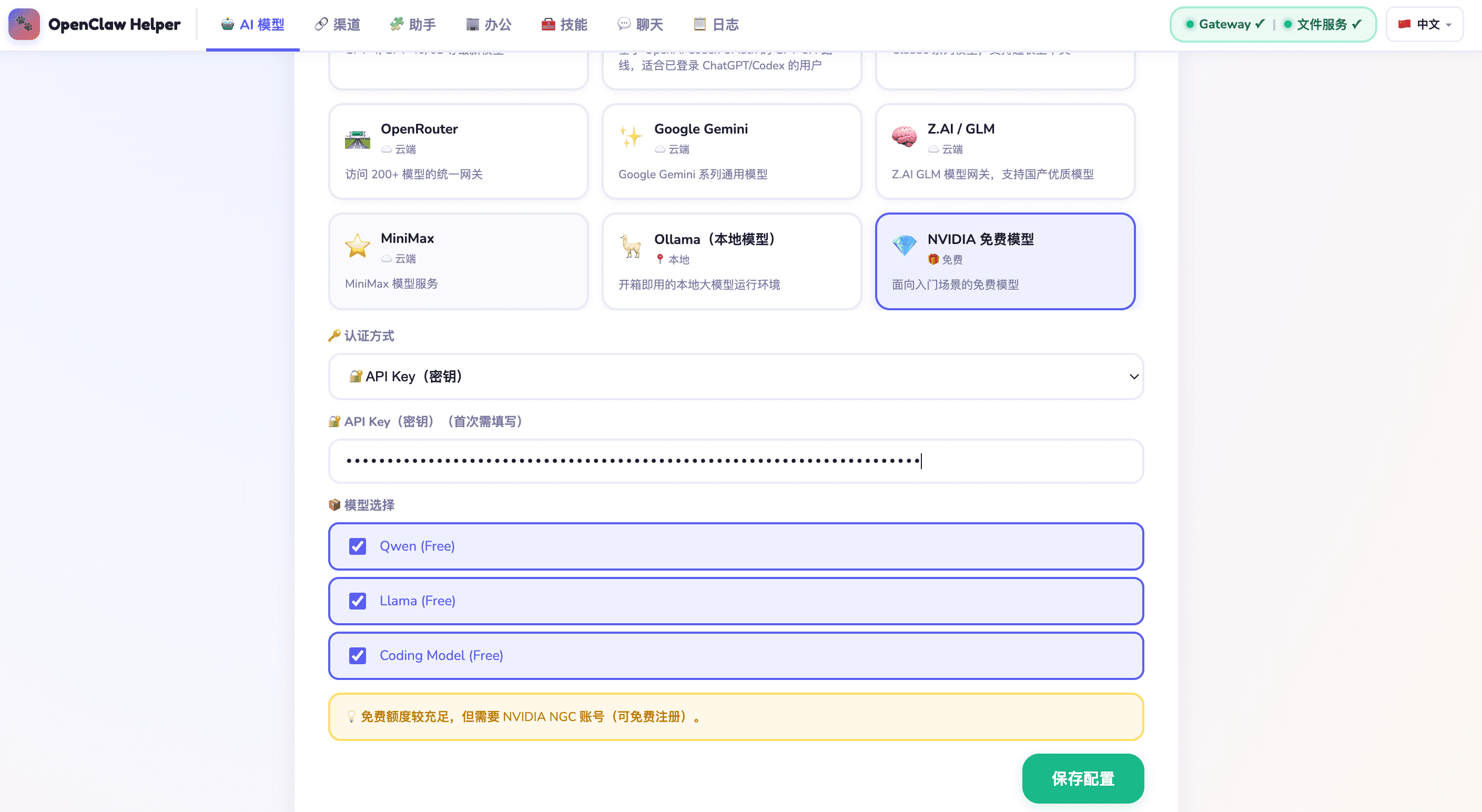
Supports OpenRouter, Google Gemini, ZAI/GLM, MiniMax, Ollama (local), NVIDIA free models and more. GUI config, one-click save.

💬

Multi-channel in one click

Telegram, WhatsApp, Discord, Feishu/Lark — step-by-step guided setup. Connect in 5 minutes, AI assistant ready immediately.

🏢

Multi-Agent collaboration

Visual Agent dashboard to manage your AI assistants — Personal, Email Manager, Morning Briefing and more. Monitor real-time status.

Get started in 3 steps

1

Purchase

One-time payment of SGD 39.99. License key delivered to your inbox instantly.

2

Activate & Install

Enter your license key, click install. Helper handles all setup automatically.

3

Start Using

Pick your AI model, connect channels, configure agents. Your AI workflow starts now.

Simple, transparent pricing

No subscriptions. No hidden fees. Buy once, own forever.

LIFETIME LICENSE
SGD39.99

One-time payment. Yours forever. 12 months of free updates.

  • Full OpenClaw features, one-click deploy
  • GUI AI model config (6+ providers)
  • Multi-channel (Telegram / WhatsApp / Discord / Feishu)
  • Multi-Agent collaboration dashboard
  • 9-language interface
  • 2 devices simultaneously
  • 12 months of updates
  • Email support
Download

Need install files or command-line steps? Visit the new download page for direct links, GitHub public release assets, and OS-specific install instructions.

Need a free NVIDIA model?

We prepared a beginner-friendly guide that walks users through creating an NVIDIA account, verifying email, generating an API key, and using it inside OpenClaw Helper.

NVIDIA · Free Models · API Key

Need a free NVIDIA model?

We prepared a beginner-friendly guide that walks users through creating an NVIDIA account, verifying email, generating an API key, and using it inside OpenClaw Helper.

Read the NVIDIA API Key guide

Frequently Asked Questions

OpenClaw is the underlying AI Agent framework — powerful but complex to configure, requiring technical knowledge. OpenClaw Helper is a GUI management tool designed for regular users, letting you install, configure and use everything without any command line.
Supports macOS (Intel / Apple Silicon), Windows 10/11, and Linux.
One license activates on up to 2 devices simultaneously. Contact us for team licensing if you need more.
OpenClaw Helper supports local AI models via Ollama — all AI data is processed locally, nothing is uploaded to the cloud. License validation does require occasional internet access: once on activation, then every 24 hours. If you go offline, there is a 7-day grace period during which the app continues working normally. After 7 days offline, a brief reconnect is needed to re-validate.
Absolutely. Your license is permanent. After 12 months the software continues to work fully — you just won't receive new feature updates automatically. You can renew the update service if needed.